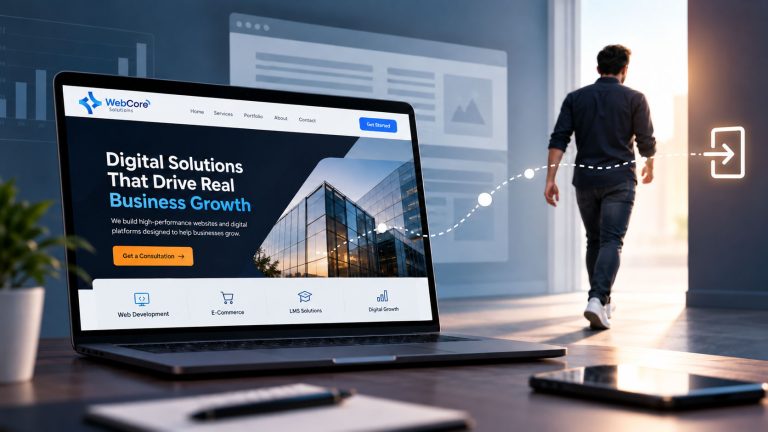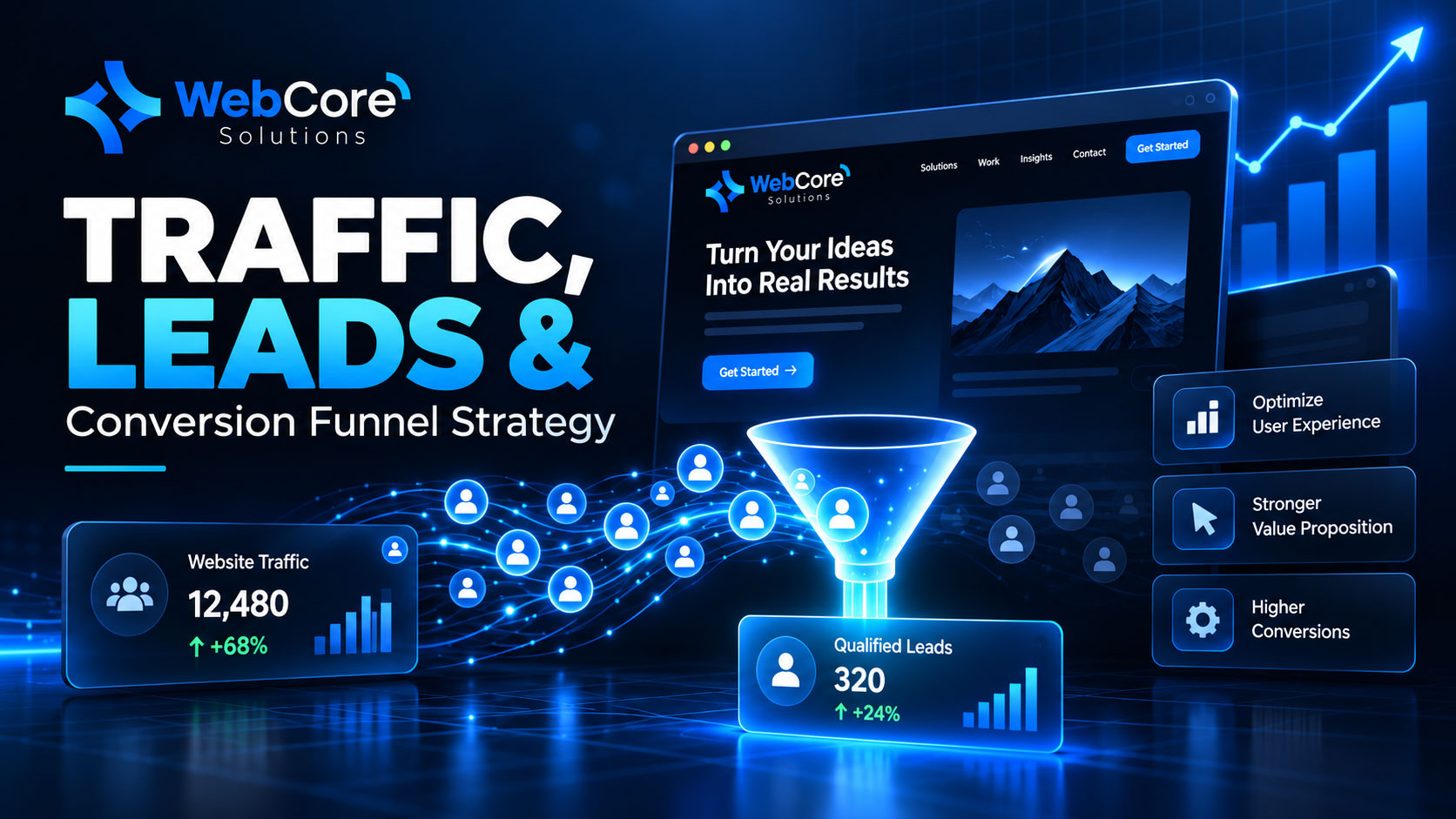
Website not generating leads even though your traffic is increasing? This is a common problem for businesses investing in SEO, social media, paid advertising, or content marketing.
Getting visitors to your website is important, but traffic alone does not generate business.
A high-performing website should guide visitors through a clear journey, explain your value, build trust, and encourage them to take action.
If people are visiting your website but not contacting your business, requesting a quote, booking a consultation, or making a purchase, the problem may be inside the website itself.
In this guide, we’ll look at the most common reasons a website is not generating leads and what you can do to improve conversions.
Why Is Your Website Not Generating Leads?
There is rarely one single reason.
In most cases, poor website conversion comes from a combination of issues such as unclear messaging, weak calls to action, poor mobile usability, slow performance, or lack of trust.
Before investing more money in ads or traffic generation, it is important to understand whether your current website can effectively convert the visitors you already have.
Here are eight areas to review.
1. Your Value Proposition Is Not Clear
A visitor should quickly understand three things:
- What your company offers
- Who the service is for
- Why they should choose you
If your homepage starts with a vague headline such as:
We provide innovative digital solutions.
the visitor still needs to work out what the company actually does.
A clearer message could be:
We build high-performance websites and digital solutions that help businesses generate leads and grow.
The second message communicates both the service and the business outcome.
How to improve it
Review your homepage headline and ask:
Would a first-time visitor understand what we do within a few seconds?
If the answer is no, your messaging should be simplified.
Your value proposition should focus less on generic claims and more on the problem you solve for the customer.
2. Your Calls to Action Are Weak or Hidden
Even an interested visitor needs clear direction.
If the website does not tell people what to do next, many of them will leave without taking action.
Common calls to action include:
- Book a Consultation
- Request a Quote
- Talk to Our Team
- Start Your Project
- Request a Demo
- Get a Website Review
One common mistake is using too many competing CTAs on the same page.
If every section asks the visitor to do something different, the journey becomes confusing.
A website not generating leads often needs a clearer call to action rather than simply more traffic.
A better approach
Give each important page one clear primary goal.
For example:
Service Page → Request a Consultation
Product Page → Add to Cart
LMS Page → Request a Demo
Landing Page → Submit the Form
Clear CTAs help reduce decision friction and make the customer journey easier to follow.
3. Your Website Is Too Slow
Website speed has a direct impact on user experience.
If a visitor has to wait several seconds before the page becomes usable, they may leave before seeing your offer.
Common reasons for poor performance include:
- Large, unoptimized images
- Heavy WordPress themes
- Too many plugins
- Excessive JavaScript
- Poor hosting
- Third-party scripts
- Unoptimized databases
This problem is even more important for mobile users.
Website speed is not only a technical issue.
It is also a conversion issue.
A slow website adds friction between the visitor and the action you want them to take.
You can test your website with Google PageSpeed Insights to identify performance problems and Core Web Vitals issues.
External resource:
https://pagespeed.web.dev/
4. Your Mobile Experience Is Poor
A website can look excellent on desktop and still perform badly on mobile.
Common mobile problems include:
- Buttons that are difficult to tap
- Small text
- Long forms
- Poor spacing
- Slow-loading images
- Difficult navigation
- Content that requires excessive scrolling
The important question is not:
Does the website work on mobile?
The better question is:
Can a mobile visitor easily complete the action we want them to take?
A strong mobile experience should include:
- Clear navigation
- Readable content
- Large buttons
- Fast loading
- Simple forms
- Clear calls to action
A website not generating leads may also be suffering from a poor mobile experience that makes it difficult for visitors to take action.
5. Visitors Do Not Trust Your Business Yet
People rarely contact or purchase from a business they do not trust.
Your website needs to reduce uncertainty.
Useful trust signals include:
- Client testimonials
- Case studies
- Portfolio projects
- Client logos
- Reviews
- Real company information
- Clear contact details
- Secure payment options
- Privacy policies
- Certifications or partnerships
Marketing claims are much stronger when supported by proof.
Instead of only saying:
We build professional websites.
show actual work, results, or customer feedback.
This gives visitors a reason to believe the promise.
6. Your Forms Create Too Much Friction
A contact form should make it easy for a visitor to start a conversation.
Many businesses ask for too much information too early.
For example, a simple enquiry may not require:
- Full address
- Company size
- Budget
- Industry
- Job title
- Multiple project questions
- Several mandatory fields
Every additional required field creates another opportunity for the visitor to leave.
Keep the first interaction simple
A basic enquiry form could include:
- Name
- Phone
- Required service
- Message
You can collect more information after the conversation begins.
Simple forms often create a smoother user experience and can improve conversion rates.
7. You Are Sending Visitors to the Wrong Pages
Not every visitor should land on your homepage.
Someone searching for:
LMS development company
should ideally reach a page specifically about LMS development.
Someone searching for:
WooCommerce development services
should reach an e-commerce page.
Sending every visitor to a generic homepage forces them to search for the information they already asked for.
Dedicated service pages and landing pages create a more relevant experience.
The closer the page matches the visitor’s intent, the easier it becomes to move them toward conversion.
For example, if someone is interested in website development, they should be able to move directly from your development page to a consultation or enquiry form.
Internal link suggestion:
Link this section to your Web Development service page.
8. You Are Not Tracking What Visitors Actually Do
Traffic data alone does not explain why visitors convert or leave.
You should also track meaningful actions such as:
- Contact form submissions
- CTA clicks
- Phone clicks
- WhatsApp clicks
- Consultation bookings
- Downloads
- Purchases
- Checkout activity
- Important page visits
Google Analytics can help you understand where traffic comes from and how visitors behave.
Google Search Console can show which keywords and pages are bringing visitors from Google.
When a website is not generating leads, conversion tracking helps identify where visitors are leaving the customer journey.
Together, these tools help you understand what is working and where the customer journey needs improvement.
Internal link suggestion:
Link this section to your SEO or Digital Marketing service page.
How to Fix a Website Not Generating Leads
If your website is not generating leads, you do not always need a complete redesign.
Start by improving the most important parts of the customer journey.
Step 1: Clarify Your Message
Make sure visitors quickly understand:
What you do + who you help + why it matters
Avoid generic headlines that could apply to any business.
Step 2: Simplify the Customer Journey
Remove unnecessary steps between the landing page and the desired action.
The visitor should always know what to do next.
Step 3: Improve Website Performance
Focus on:
- Page speed
- Core Web Vitals
- Mobile responsiveness
- Image optimization
- Technical performance
A faster website creates a smoother user experience.
Step 4: Build More Trust
Use:
- Testimonials
- Case studies
- Reviews
- Portfolio work
- Clear business information
Trust can have a major impact on conversion decisions.
Step 5: Strengthen Your Calls to Action
Avoid vague buttons such as:
Learn More
when a more specific action would be clearer.
Examples:
- Request a Consultation
- Get a Quote
- Book a Demo
- Talk to Our Team
Step 6: Track Conversions
Do not judge success only by traffic.
Track the actions that matter to your business.
Examples include:
- Enquiries
- Calls
- Bookings
- Purchases
- Form submissions
This gives you a much clearer picture of website performance.
Traffic Is Only the Beginning
A website can attract thousands of visitors and still fail to generate business.
The real goal is not simply traffic.
The goal is creating a website experience that moves the right visitor through:
Interest → Trust → Action
If your website is not generating leads, start by improving the customer journey before spending more money on traffic acquisition.
Before increasing your advertising budget or investing heavily in more visitors, make sure your current website can convert the traffic you already have.
Improving the customer journey can sometimes generate better business results without increasing traffic at all.
Is Your Website Not Generating Leads?
If your website is not generating leads despite getting traffic, the issue may be related to performance, messaging, UX, mobile usability, trust, or conversion tracking.
WebCore Solutions helps businesses build and optimize digital experiences designed around performance, user experience, and growth.
Request a Website Performance & Conversion Review
Find out where visitors may be dropping off and what can be improved to turn more website traffic into real business opportunities.
Contact Us Now via this Link