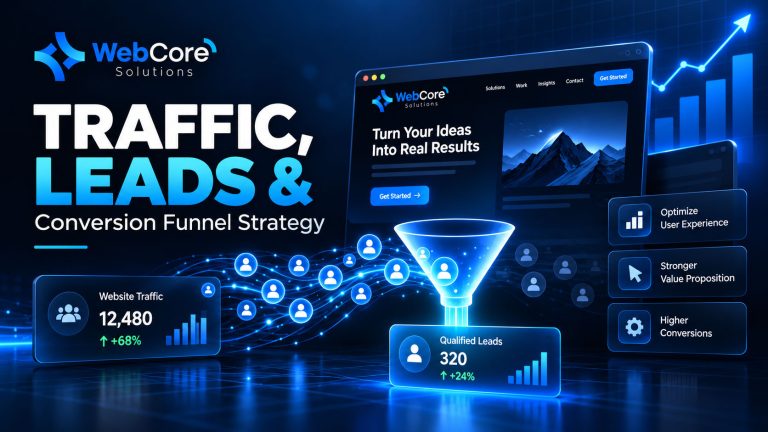
Visitors are reaching your website — but leaving before they contact you.
That usually means the problem is not traffic.
It is what happens in the first few seconds after the page loads.
A confusing headline, slow loading time, weak mobile experience, or unclear next step can be enough to lose a potential customer before they understand what your business actually offers.
If you are wondering why visitors leave your website, start by looking at the experience you give them immediately after they arrive.
Here are seven common problems we regularly see on business websites — and what to improve first.
Why Visitors Leave Your Website Before Taking Action
A visitor normally arrives with a question.
Maybe they want to know:
- Can this company solve my problem?
- Is this service relevant to me?
- Can I trust this business?
- What should I do next?
- Is this worth my time?
If your website makes those answers difficult to find, the visitor has very little reason to stay.
This is why increasing traffic alone rarely solves a conversion problem.
You can send more people to the website, but if the experience creates friction, you are simply sending more people into the same problem.
If your website is already attracting traffic but still not producing enough enquiries, our guide on why your website may not be generating leads covers that broader conversion problem in more detail.
1. Your First Message Is Too Vague
One of the biggest reasons visitors leave your website is simple:
They do not understand what you do quickly enough.
A homepage headline like:
Innovative digital solutions for modern businesses.
sounds professional, but it does not tell the visitor much.
What kind of digital solutions?
For which businesses?
What problem do they solve?
Compare that with:
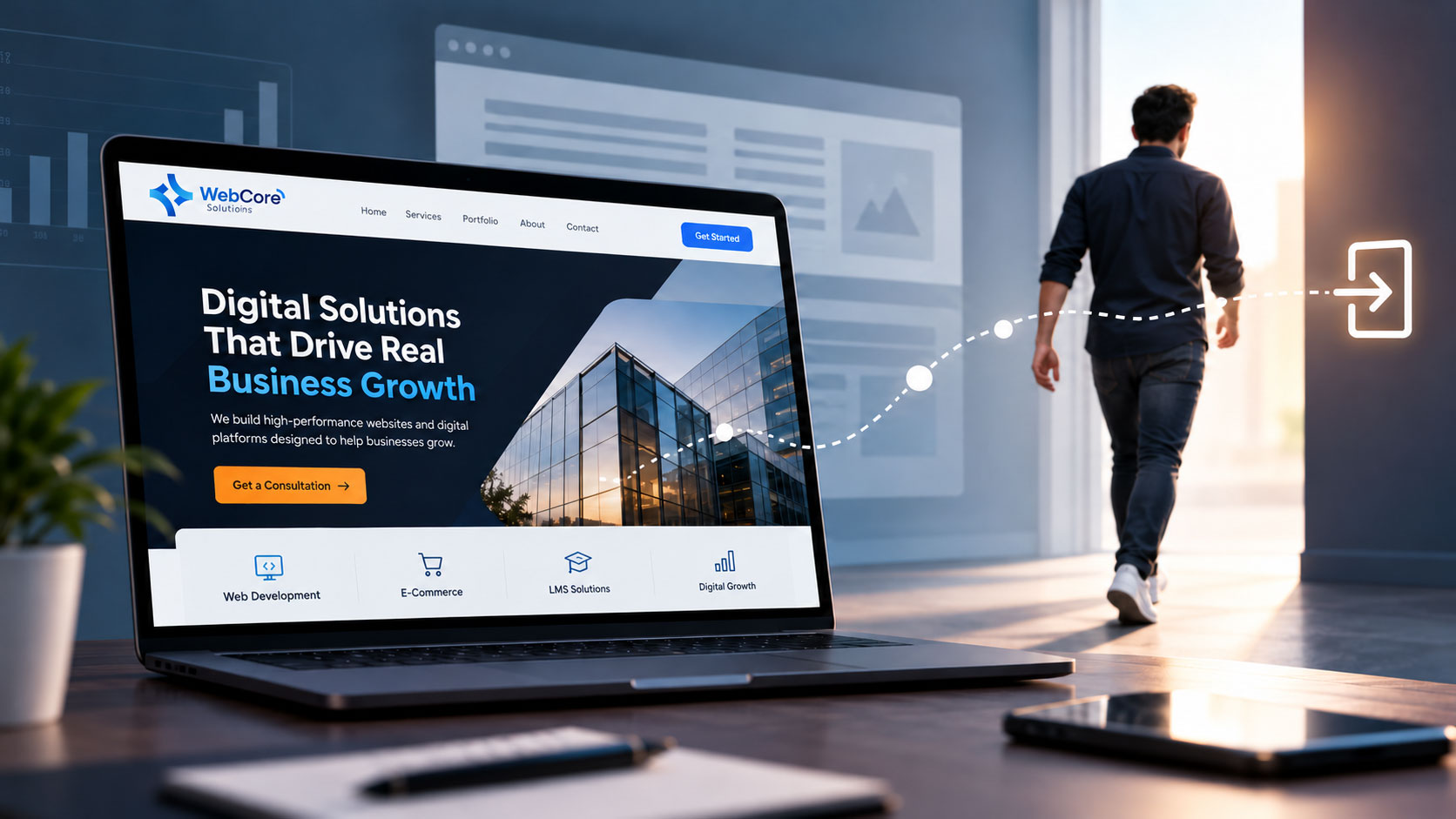
We build high-performance websites and digital platforms designed to help businesses generate leads and grow.
The second version gives the visitor context immediately.
That matters because people do not study websites.
They scan them.
What to improve
Your first screen should answer three questions:
What do you offer?
Who is it for?
Why should they care?
If those answers are not clear in the first few seconds, many visitors will leave before they reach the rest of your content.
WebCore Solutions provides a range of digital services designed around website performance, visibility, e-commerce, learning platforms, and digital growth. You can explore the full range of WebCore Solutions services to see how these areas work together.
2. The Page Takes Too Long to Become Useful
A page does not need to completely fail to feel slow.
Sometimes the page loads, but the important parts take too long to appear.
For example:
- The hero image loads slowly
- Main text appears late
- Buttons shift while loading
- Large animations delay interaction
- Mobile performance feels heavy
The visitor may not wait long enough to see your offer.
This is especially important when traffic comes from social media.
Someone clicking from Facebook, LinkedIn, or Instagram is often making a quick decision.
If the page feels slow, they can return to the feed almost instantly.
Google provides PageSpeed Insights to help identify website performance and Core Web Vitals issues.
But there is an important distinction here:
A good performance score does not automatically mean the page feels good to use.
Practical check
Test your most important landing pages on a real mobile phone using a normal mobile connection — not only on a fast office Wi-Fi network.
Pay attention to when the headline becomes readable, when the main button becomes clickable, and whether the page shifts while loading.
The experience your customer gets matters more than a number in a dashboard.
3. There Is Too Much Happening Above the Fold
Businesses often try to put everything into the first screen.
You may see:
- A large headline
- A long paragraph
- Three buttons
- Multiple badges
- Client logos
- An animation
- A chat widget
- A promotion banner
- The main navigation
- A popup
Technically, all of that information might be useful.
Together, it can become overwhelming.
When a visitor does not know where to look first, the page loses visual hierarchy.
The first screen should not try to explain the entire business.
Its job is to create enough clarity and interest for the visitor to continue.
Give the first screen one clear job
A strong above-the-fold section usually guides the eye through:
Message → Value → Next Step
Everything else can come later.
If the top of your website currently feels crowded, simplifying it may improve engagement without requiring a full redesign.
4. The Visitor Cannot See What to Do Next
A user can be interested in your service and still leave because the next step is unclear.
This is one of the most common conversion problems we see on business websites.
Buttons such as:
- Learn More
- Discover
- Explore
- Click Here
are not automatically wrong.
The problem is that they often give very little context when the visitor is already unsure about what happens next.
A clearer CTA could be:
- Request a Consultation
- Get a Quote
- Book a Demo
- Talk to Our Team
- Start Your Project
The visitor should not need to search for how to move forward.
One primary action is usually enough
Think about the goal of each important page.
A services page might lead to:
Request a Consultation
An e-commerce product page might lead to:
Add to Cart
An LMS page might lead to:
Book a Demo
Multiple actions can still exist, but there should be a clear visual priority.
When every button looks equally important, the visitor has to make another decision before taking action.
5. The Mobile Experience Creates Friction
A website can technically be responsive and still be frustrating on mobile.
This distinction matters.
Responsive design means the layout adapts to a smaller screen.
Good mobile UX means the visitor can actually use the website comfortably.
Common problems include:
- Text that is too small
- Buttons positioned too close together
- Forms with too many fields
- Sticky elements covering content
- Images consuming most of the screen
- Confusing navigation
- Important CTAs appearing too far down the page
When asking why visitors leave your website, review the mobile experience separately from desktop.
Do not assume that because the design scales down correctly, the experience is good.
Try the one-hand test
Open the website on your phone and try to complete the main customer action using one hand.
Can you understand the page?
Can you navigate easily?
Can you find the CTA?
Can you complete the form without frustration?
If the process feels awkward to you, it is probably creating friction for potential customers too.
6. Visitors Do Not See Enough Proof
Trust plays a major role in website conversion.
A company can describe itself as experienced, reliable, innovative, or professional.
Visitors still want evidence.
Useful trust signals can include:
- Real client testimonials
- Case studies
- Portfolio examples
- Client logos
- Reviews
- Clear company information
- Team information
- Partnerships
- Certifications
- Accessible contact details
This does not mean covering every section with badges and testimonials.
The goal is to answer a simple question the visitor may never say out loud:
Why should I trust this company?
Proof is especially important near moments where you are asking the visitor to take action.
For example, placing relevant client work or testimonials near a consultation CTA can be more useful than hiding all your proof at the bottom of the website.
7. The Page Does Not Match What Brought the Visitor There
This is one of the most overlooked reasons visitors leave your website.
Imagine someone sees a social media post about:
Why your website gets traffic but no leads.
They click expecting to learn about that exact problem.
If they land on a generic company homepage instead, the connection is immediately broken.
The same thing happens with SEO and paid advertising.
Someone searching for an e-commerce development solution probably does not want to spend time navigating a general website to find the relevant information.
Keep the message consistent
The message in your:
- Search result
- Social media post
- Advertisement
- CTA
should closely match the page the visitor reaches.
If your post promises an answer to one problem, the landing page should start with that problem — not with a generic introduction to the company.
This consistency helps visitors feel that they have reached the right place.
What We Usually See in Real Website Projects
One of the easiest mistakes to make is assuming that a conversion problem requires a complete redesign.
Often it does not.
In real projects, the problem can be a combination of small things.
The headline is slightly unclear.
The CTA appears too late.
The page loads a little slower than expected on mobile.
The first section has too much information.
There are no trust signals near the decision point.
None of those problems feels dramatic on its own.
But imagine the visitor experiencing all of them within the first 30 seconds.
That is when small pieces of friction become a bigger conversion problem.
This is why reviewing the full customer journey is usually more useful than looking at design in isolation.
How to Keep Visitors on Your Website Longer
If people are leaving quickly, you do not need to change everything at once.
Start with the areas that affect the first part of the journey.
Improve the first screen
Make the value proposition easier to understand.
Remove unnecessary distractions and give the primary message more visual space.
Make the next step obvious
Use clear calls to action.
A visitor should never need to wonder how to contact your team or move forward.
Review mobile performance
Look at speed, typography, navigation, button sizes, spacing, and forms.
Mobile should be intentionally designed — not simply treated as a smaller version of desktop.
Add proof earlier
If you have testimonials, projects, or other trust signals, place them where customers actually need reassurance.
Do not automatically push all social proof to the bottom of the page.
Measure what visitors actually do
Analytics can tell you whether visitors:
- Leave immediately
- Continue to another page
- Click the main CTA
- Submit a form
- Open a contact channel
That information lets you improve based on real behavior rather than assumptions.
Traffic Is Valuable Only When the Journey Works
More website traffic can help a strong customer journey grow.
But it can also expose weaknesses faster.
If visitors reach your site and leave immediately, increasing traffic may simply increase the number of missed opportunities.
So instead of asking only:
How can we get more visitors?
ask:
What happens after they arrive?
That question can change how you approach website design, SEO, advertising, and social media.
A better experience can make every future visitor more valuable.
Is Your Website Losing Visitors Too Early?
If visitors are reaching your website but leaving before they contact your business, the issue may be related to messaging, performance, mobile usability, trust, or the customer journey itself.
WebCore Solutions helps businesses review and improve their digital presence with a focus on usability, performance, and sustainable growth.
If you want to understand where your website may be losing potential customers, request a consultation with WebCore Solutions.
We can review the current experience and identify the areas that may need improvement before you invest more time or budget into generating additional traffic.